


- Written by: Muhammad
- March 28, 2026
- Categories: blog, Website Development
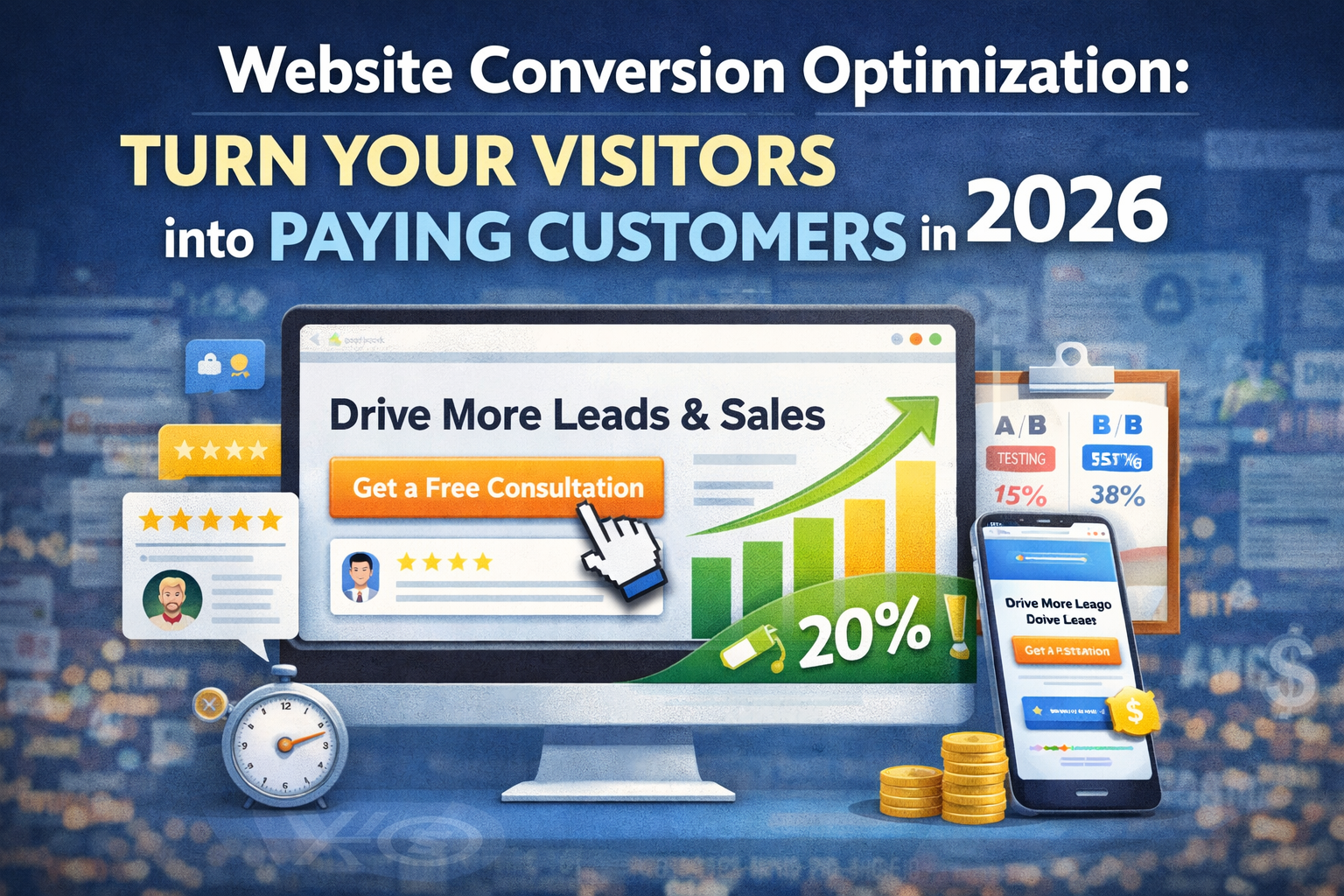
Getting traffic to your website is only half the battle. The real challenge is converting those visitors into paying customers.
Many businesses invest heavily in ads and SEO but fail to see results because their website is not optimized for conversions.
This is where Website Conversion Optimization (CRO) becomes crucial.
In this guide, you’ll learn how to turn your website into a powerful conversion machine that generates leads and drives revenue.
What is Conversion Rate Optimization (CRO)?
Conversion Rate Optimization (CRO) is the process of improving your website to increase the percentage of visitors who take a desired action.
These actions may include:
- Filling out a form
- Making a purchase
- Booking a call
- Subscribing to a service
A higher conversion rate means more results without increasing traffic.
Why CRO is Important for Your Business
Optimizing your website can:
- Increase leads without spending more on ads
- Improve return on investment (ROI)
- Enhance user experience
- Build trust with your audience
Even small improvements can lead to significant revenue growth.
1. First Impressions Matter (Above-the-Fold Optimization)
When users land on your website, they decide within seconds whether to stay or leave.
Your above-the-fold section should include:
- A clear and compelling headline
- A strong value proposition
- A visible call-to-action (CTA)
- Clean and professional design
2. Use Clear and Strong Call-to-Actions (CTA)
Your CTA tells users what to do next.
Examples of high-converting CTAs:
- Get a Free Consultation
- Request a Quote
- Start Your Free Trial
💡 Best Practices:
- Use action-oriented language
- Make buttons visually stand out
- Place CTAs strategically across the page
3. Improve Website Speed
A slow website kills conversions.
Why speed matters:
- Users leave if a site takes more than 3 seconds to load
- Google considers speed as a ranking factor
How to improve speed:
- Compress images
- Use fast hosting
- Minimize unnecessary scripts
4. Make Your Website Mobile-Friendly
Most users browse on mobile devices.
Your website must:
- Be fully responsive
- Have easy navigation
- Include clickable buttons
- Load quickly on mobile
5. Build Trust with Social Proof
People trust other people.
Add:
- Customer reviews
- Testimonials
- Case studies
- Certifications or badges
This reduces hesitation and increases conversions.
6. Simplify Your Design
A cluttered website confuses users and reduces conversions.
Keep it simple:
- Use clean layouts
- Avoid too many colors or elements
- Focus on one goal per page
7. Optimize Your Forms
Forms are often the final step in conversion.
Best practices:
- Keep forms short
- Ask only necessary information
- Use clear labels
- Add trust signals near forms
8. Use High-Quality Visuals
Images and videos can increase engagement and conversions.
Tips:
- Use real images instead of stock photos
- Add explainer videos
- Show your product or service in action
9. Use A/B Testing
Never assume what works — test it.
Test:
- Headlines
- CTAs
- Layouts
- Colors
Small changes can lead to big improvements.
10. Analyze User Behavior
Understanding how users interact with your website is key.
Use tools like:
- Heatmaps
- Session recordings
- Analytics
These insights help you identify problems and fix them.
Conclusion
Your website is more than just an online presence — it’s your most important sales tool.
By focusing on conversion optimization, you can turn more visitors into customers without increasing your marketing budget.
From improving design and speed to adding trust signals and testing strategies, every step plays a role in increasing conversions.
If you want to grow your business in 2026, optimizing your website for conversions is not optional — it’s essential.


Romain Petit
June 3, 2026One thing that pairs well with the A/B testing point: many teams test page elements before they’ve got a stable baseline of organic traffic. Without enough sessions, results are noise. We throttle testing until we see at least 1,000 visitors per variant — the insights are much sharper that way.